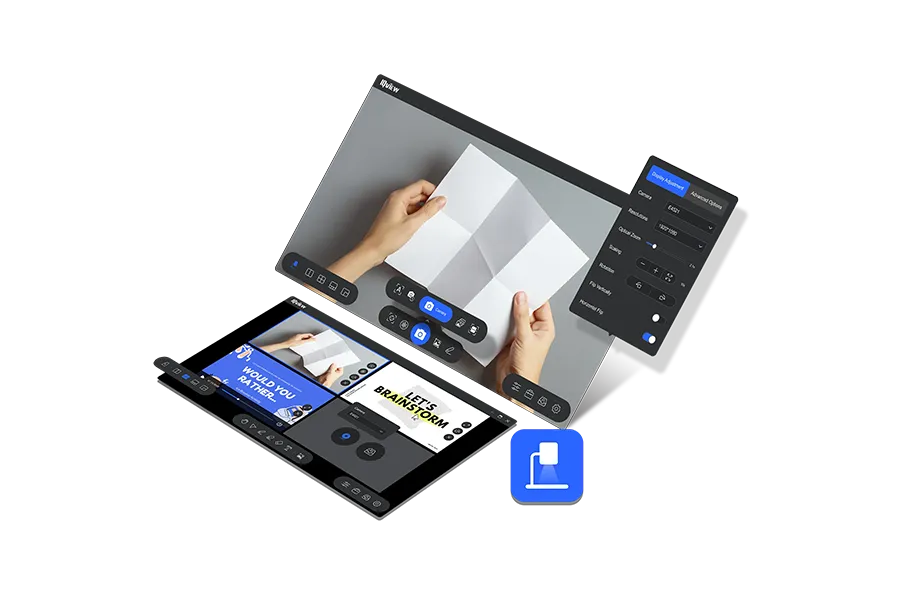
A Fresh Perspective on Visualization IQView is a powerful and user-friendly presentation software that supports 4K resolution display, compatible with common camera devices, and offers features to display, record, edit, and enhance video feed from the camera and more.
Multiple Camera
Annotation
Hand Gesture Support
20x HD Zoom
Side-by-Side
OCR+QR Code
Cloud Storage
Multi-Platform
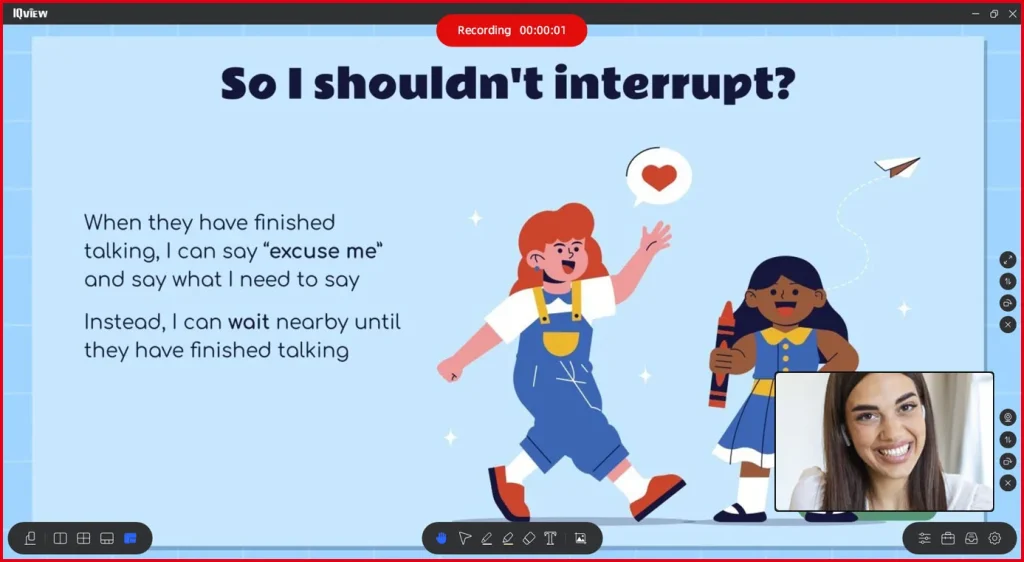
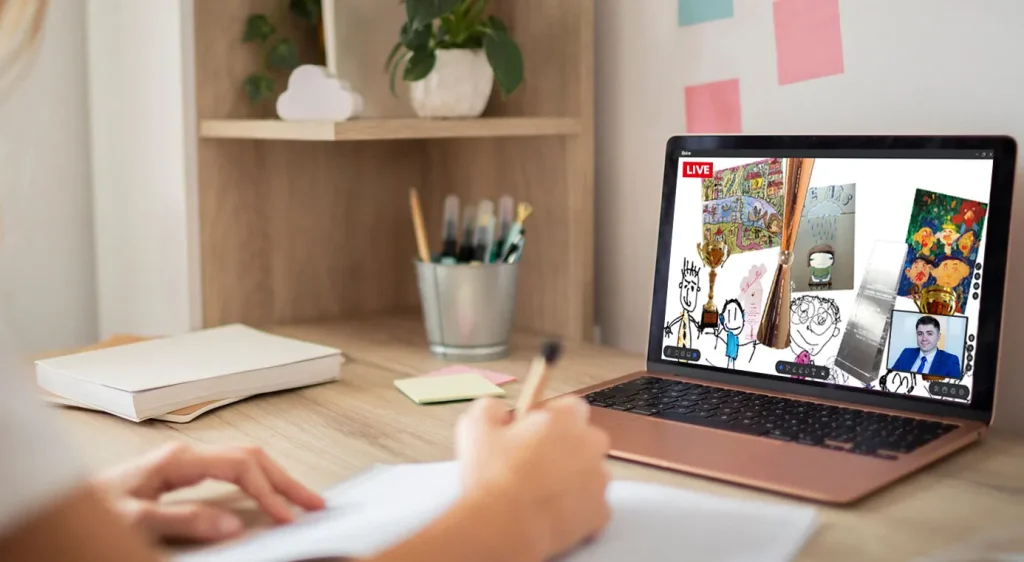
Dual Camera Presentation
It allows you to display your content in the main window while showing yourself speaking in a pinned overlay window, making your presentations more engaging and interactive.
Enhanced Micro-Lessons
Allow students to focus on the content while experiencing the teacher’s active participation.
Interactive Online Teaching
Utilize Picture-in-Picture for interactive online teaching, encouraging active student participation and direct engagement with the instructor.
Real-Time Interactive Demonstration
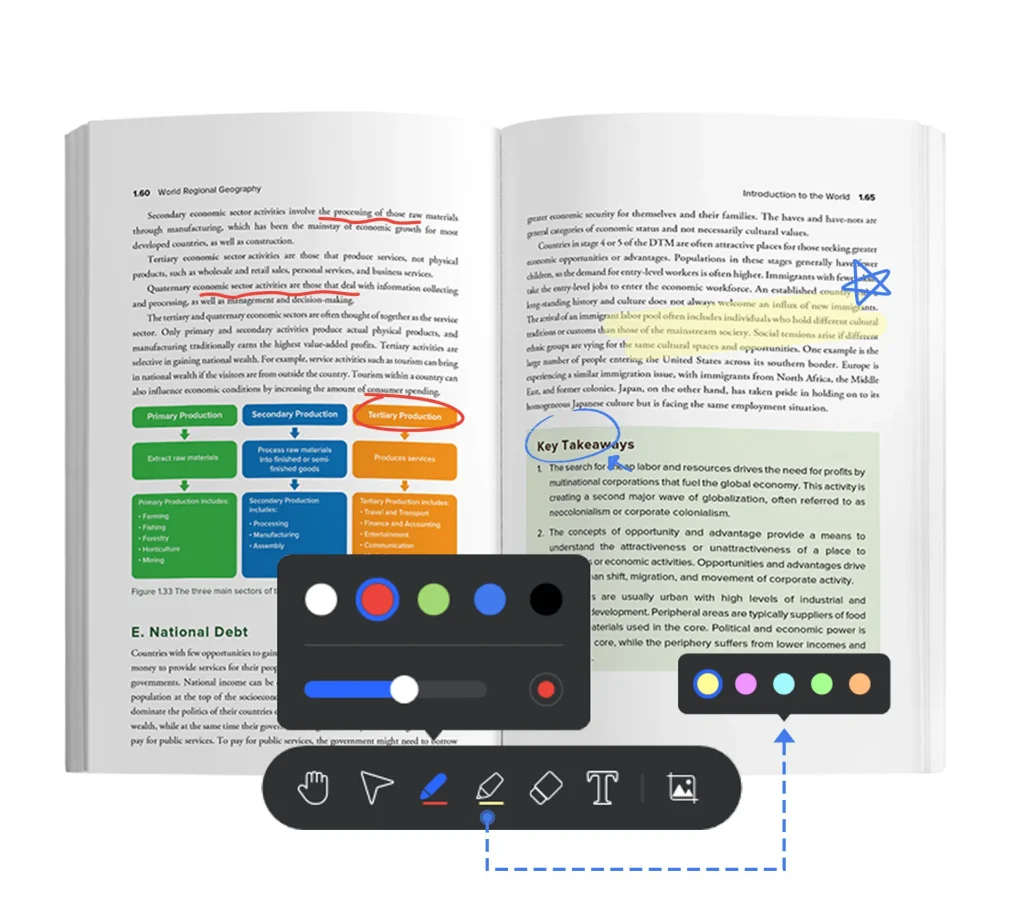
The precise real-time annotation feature, with support for following screen movement and zooming, allows you to effortlessly mark important concepts and detailed explanations, aiding students in grasping course content more easily and maximizing presentation effectiveness.
Simplified Gesture Control
Easily and smoothly navigate your presentation with smooth control, whether it’s using a mouse or swiping directly on the touchscreen of IFPs. Stay focused on teaching and interact seamlessly with students, free from distractions of complex operations.
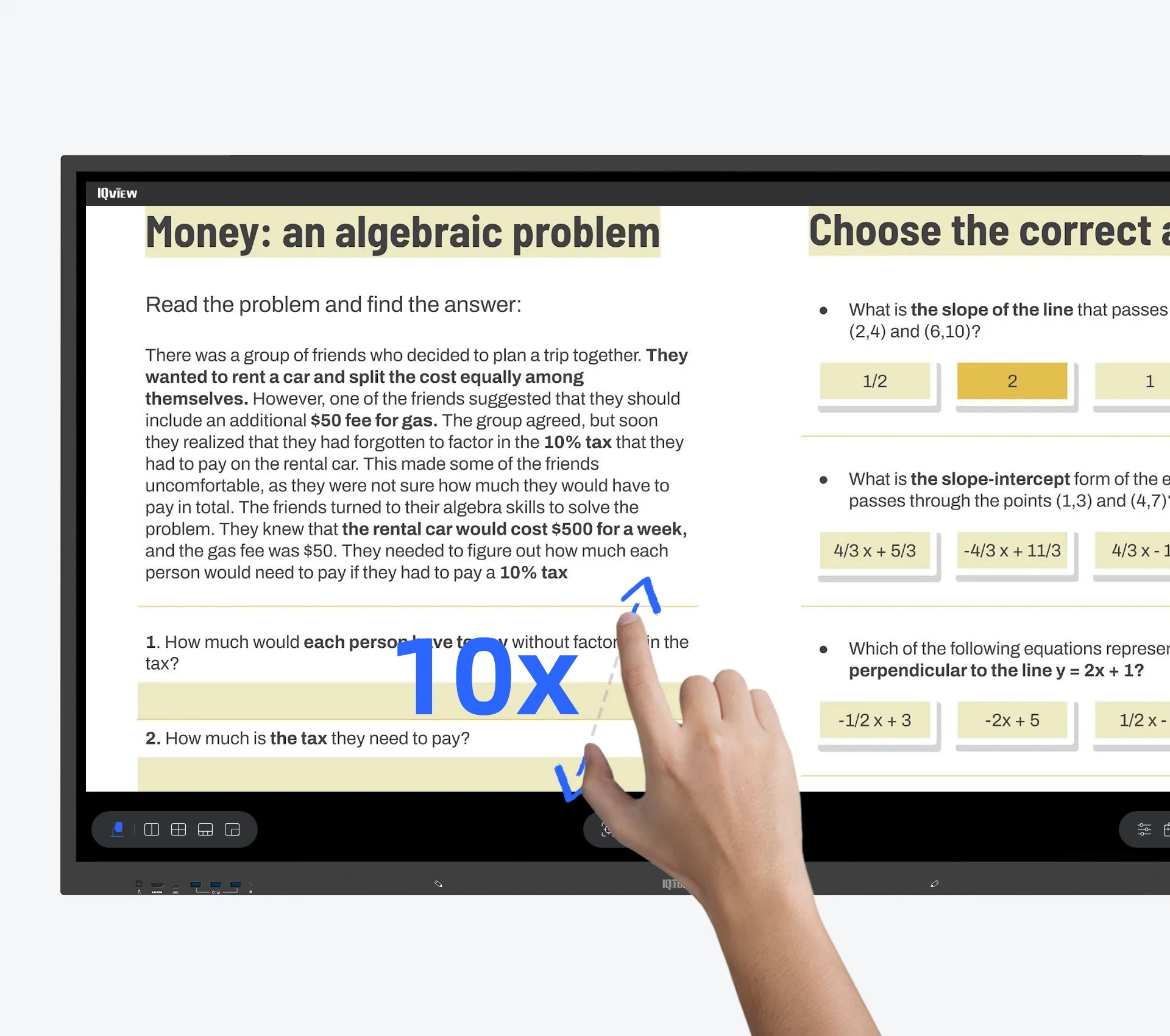
Dynamic 4K Presentations with 20X HD Zoom
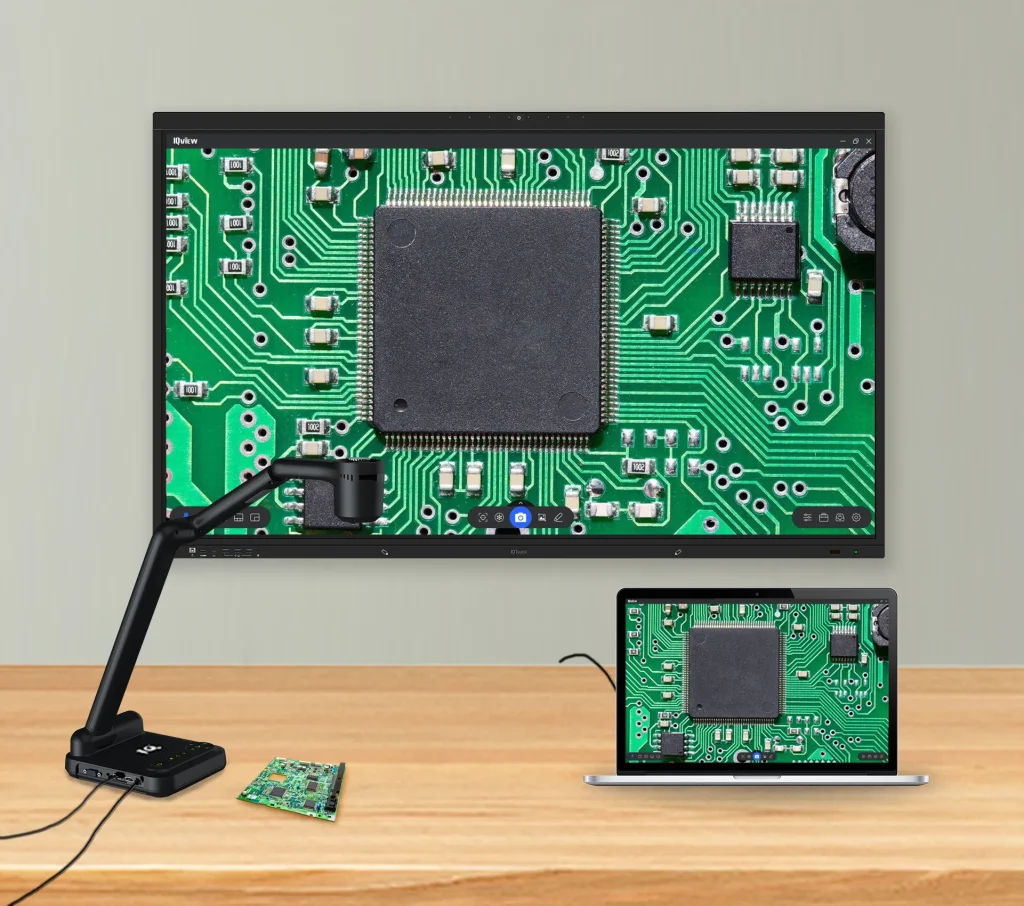
With IQView E4521 document camera, the IQView software will showcase content in stunning 4K clarity and utilize its 20X HD zoom capabilities (10X optical zoom and 10X digital zoom), ensuring vivid and engaging teaching and presentations for various scenarios.
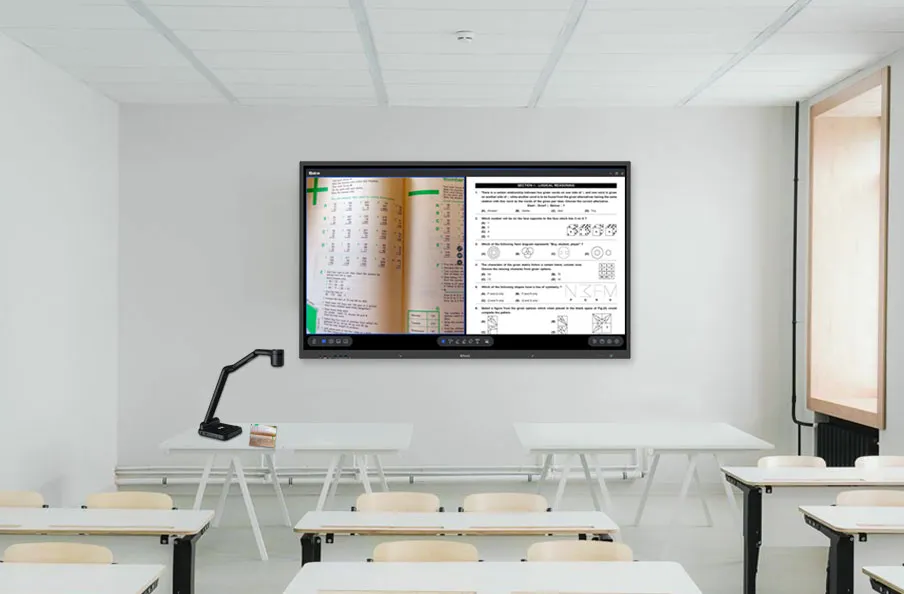
Side-by-Side Content Teaching
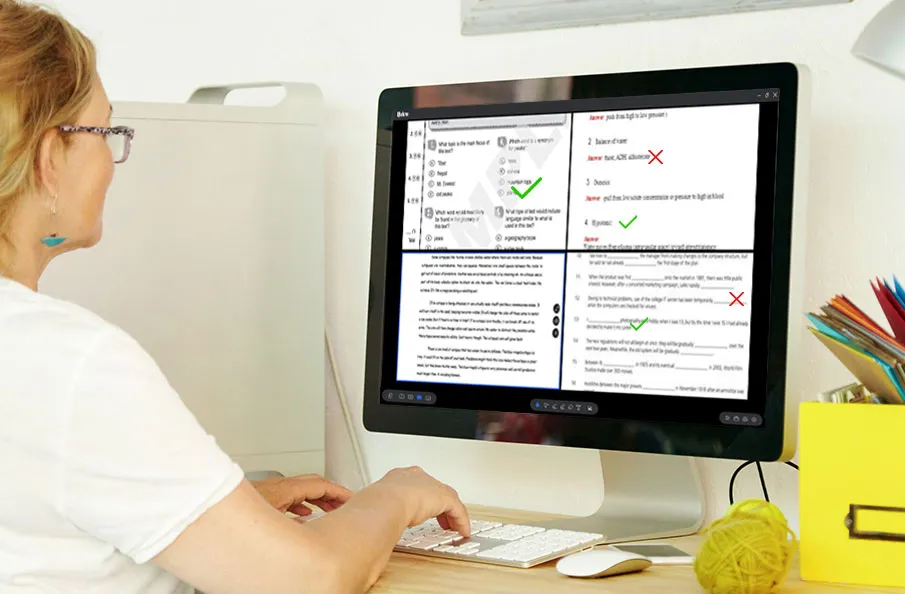
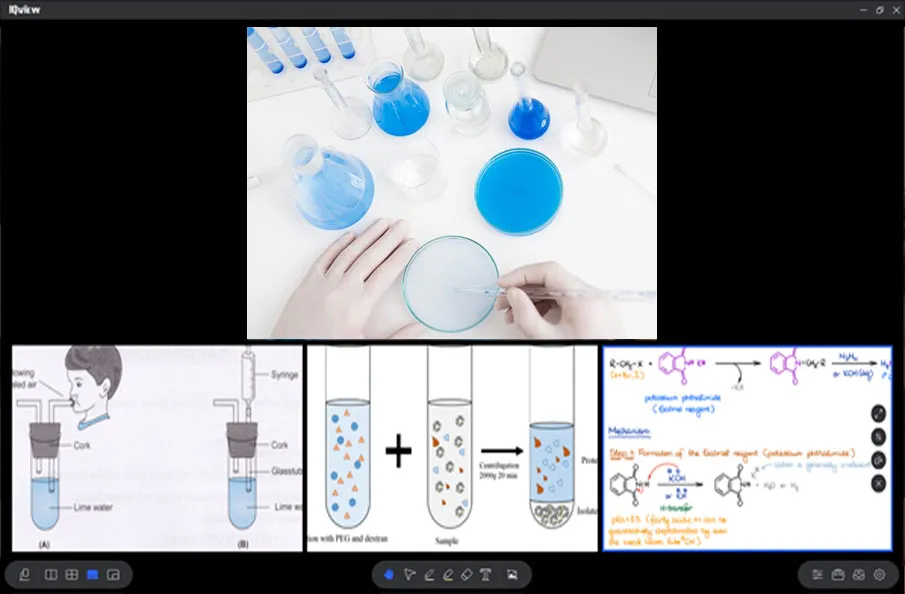
Under the camera, write and compare content while displaying other resources in split-screen mode. Connect two document cameras for simultaneous split-screen presentation, adjusting feeds independently. IQView supports all resources and split-screen features like zoom, rotation and full-screen display.
Classroom Instruction
Improve teaching result by showing live whiteboard content alongside textbook examples in split-screen mode to illustrate concepts effectively.
Homework Grading
Efficiently grade assignments by comparing student papers with model answers side by side.
Experiment Demonstration
Improve student comprehension by comparing experiment procedures with theoretical knowledge in real time.
Boosted Lesson Tools
Under the camera, write and compare content while displaying other resources in split-screen mode. Connect two document cameras for simultaneous split-screen presentation, adjusting feeds independently. IQView supports all resources and split-screen features like zoom, rotation and full-screen display.
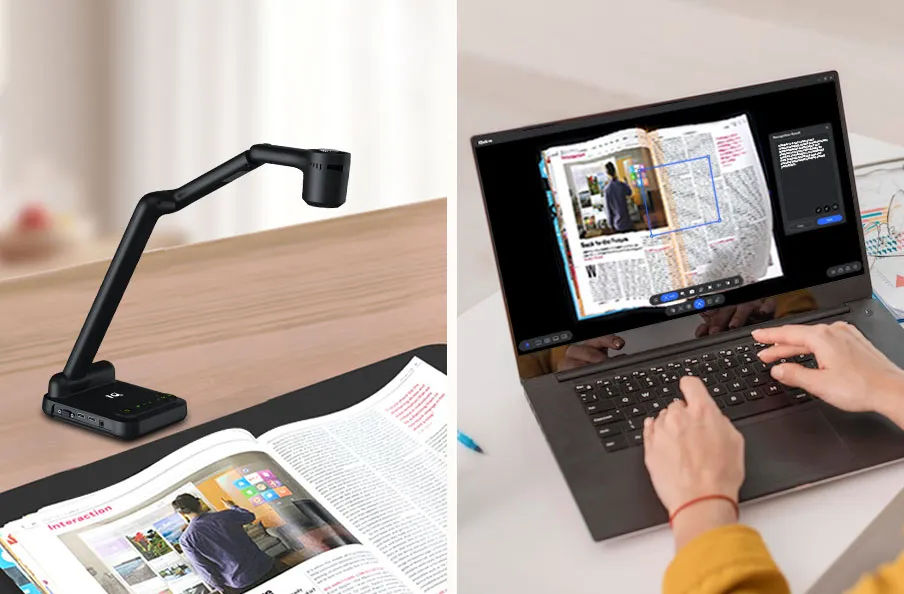
Smart Text Recognition
Utilize OCR to convert textbook content into editable text for easy lesson preparation and knowledge sharing.
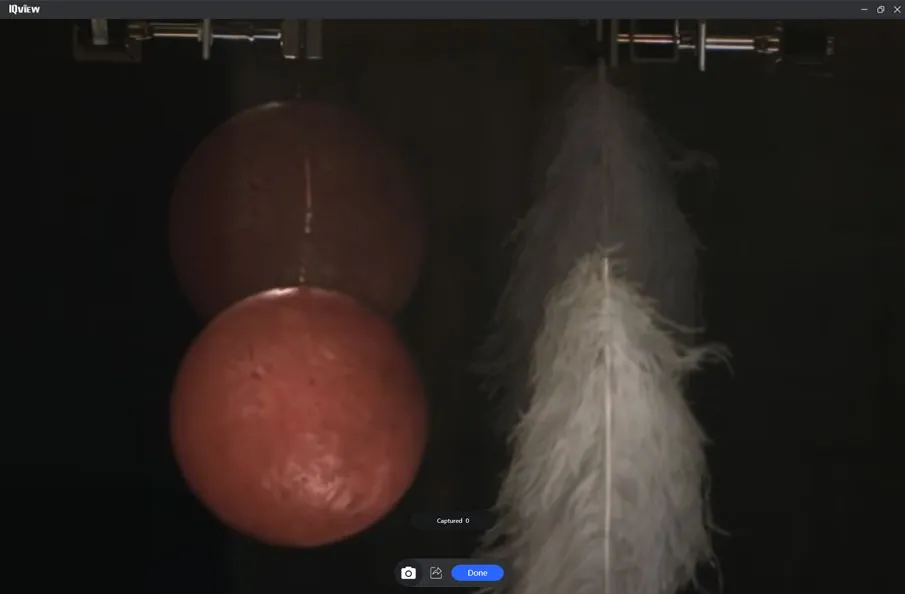
Experiment Capture in Burst Mode
Capture photos at timed intervals to record object movements during experiments, facilitating analysis and review.
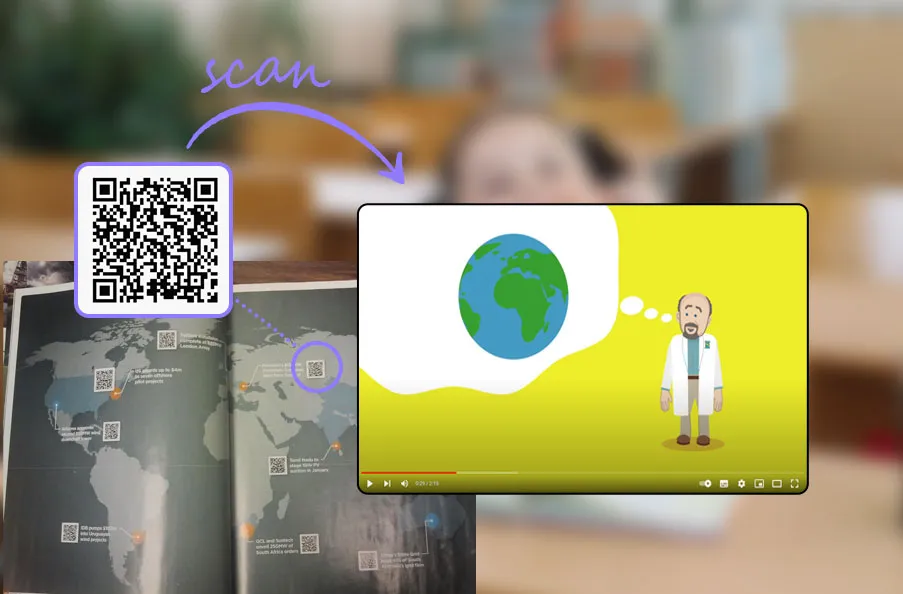
QR Code Scanning for Instant Access
Quickly scan QR codes in textbooks to directly access related video links, enriching classroom content and enhancing interactivity.
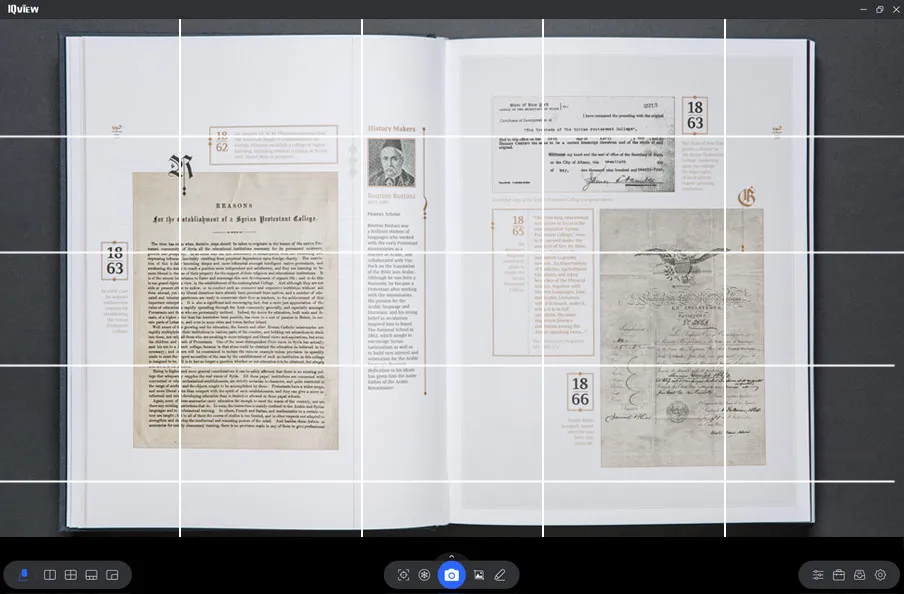
Alignment Assistance with Gridlines
Enable gridlines to aid in aligning visuals, ensuring accurate and clear presentations.
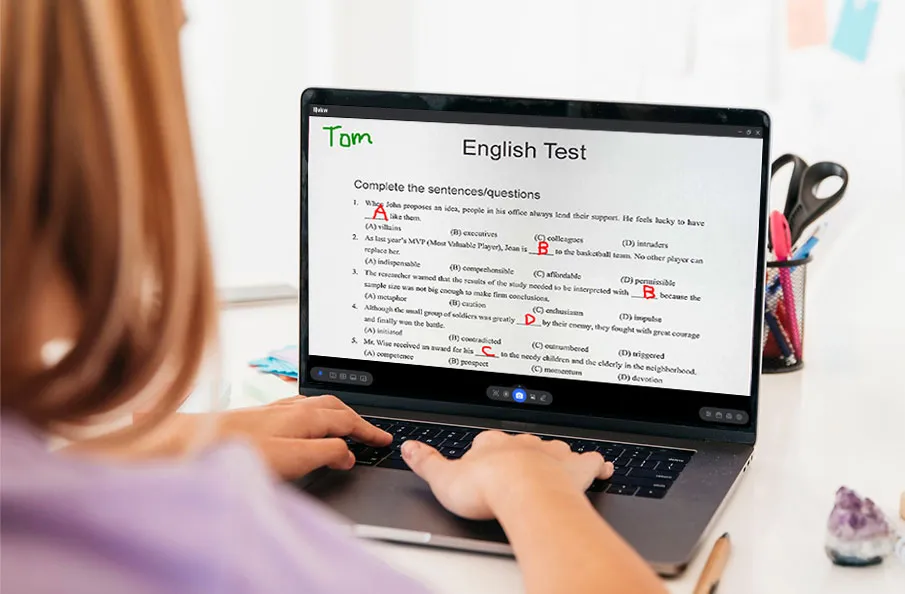
Fixed Header for Student Papers
Freeze student names at the top of the display when grading papers, allowing seamless navigation through content and improving grading efficiency.
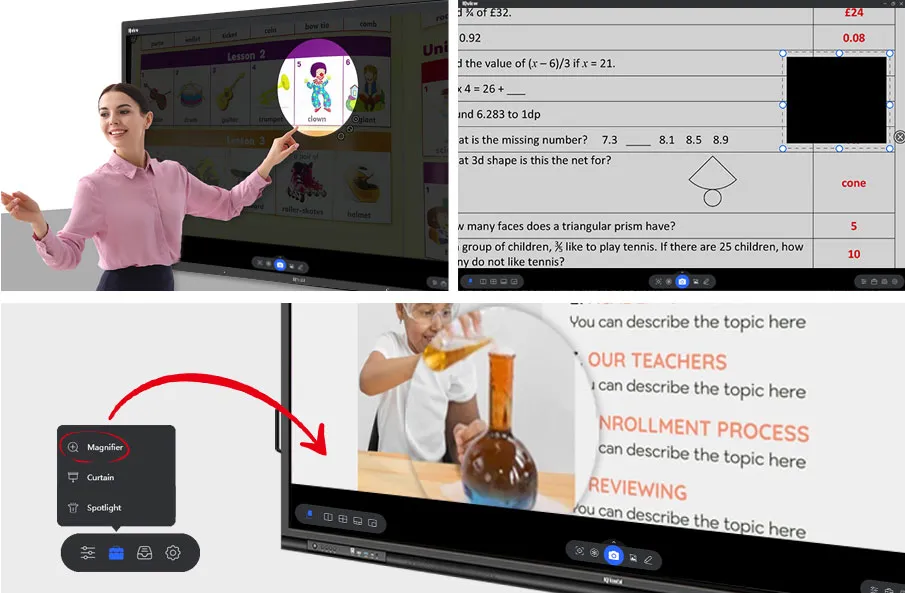
Teaching with Focus Tools
Spotlight, curtain and magnifying tools enhance focus, protect privacy, and deepen understanding, vastly improving teaching and interaction.
Flexible Material Options
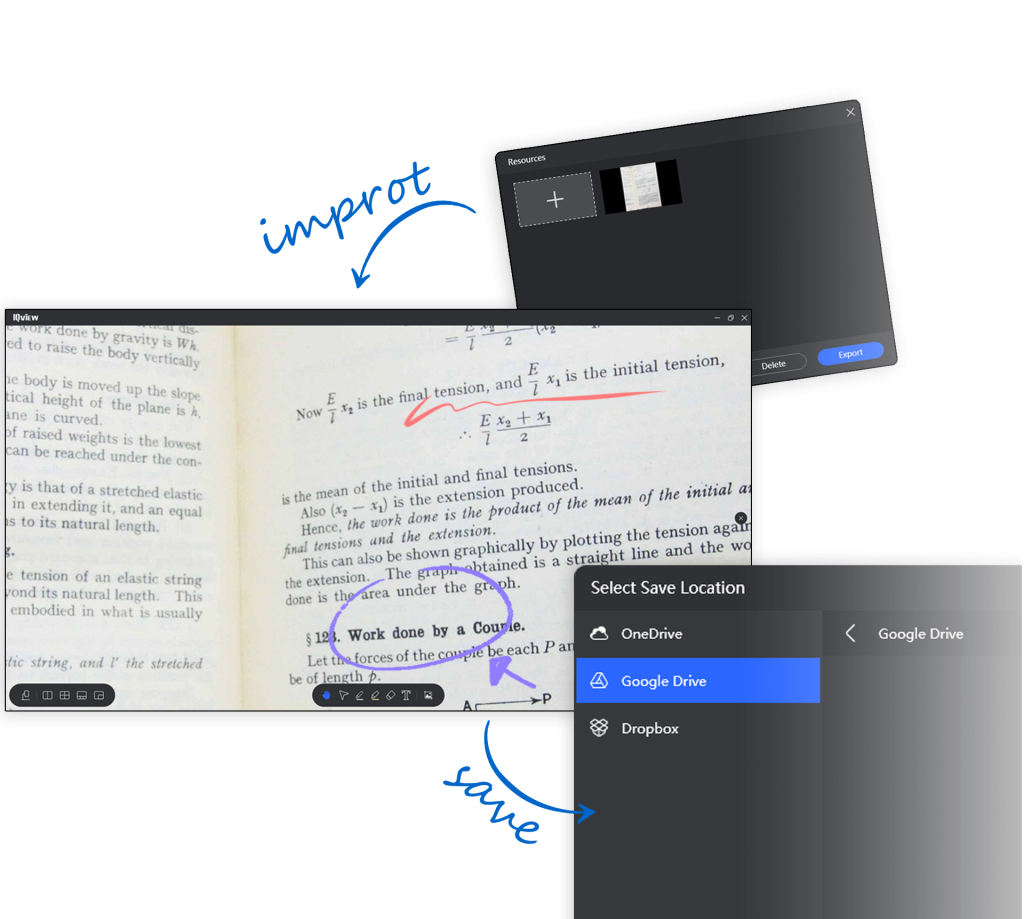
Streamline lesson preparation with IQView by importing all essential materials and annotating any resource effortlessly. Save annotations and teaching content to USB drives or cloud storage for easy portability and sharing across platforms.
Dual-Platform Support
IQView software offers dual-platform support for Windows and Android, ensuring a perfect teaching experience whether on your personal computer or Android-based IFPs. You will have enhanced flexibility and freedom in both operating system and device choice for effortless teaching.