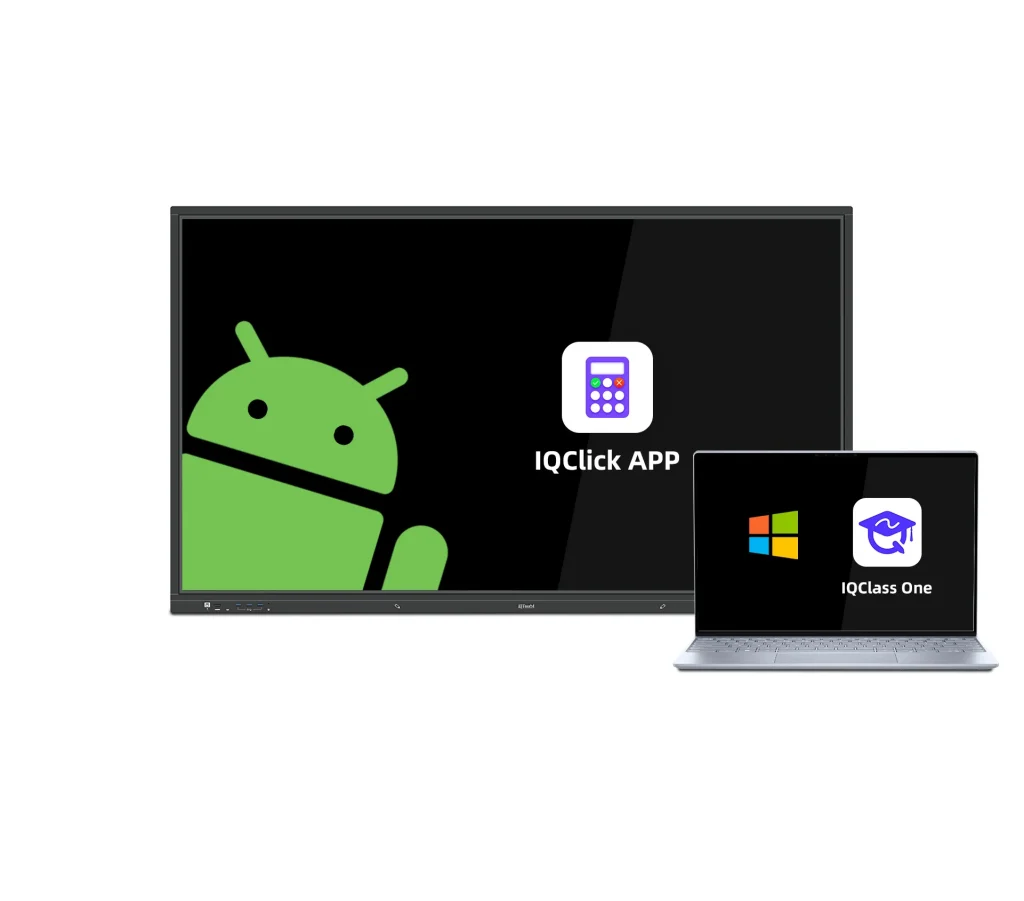
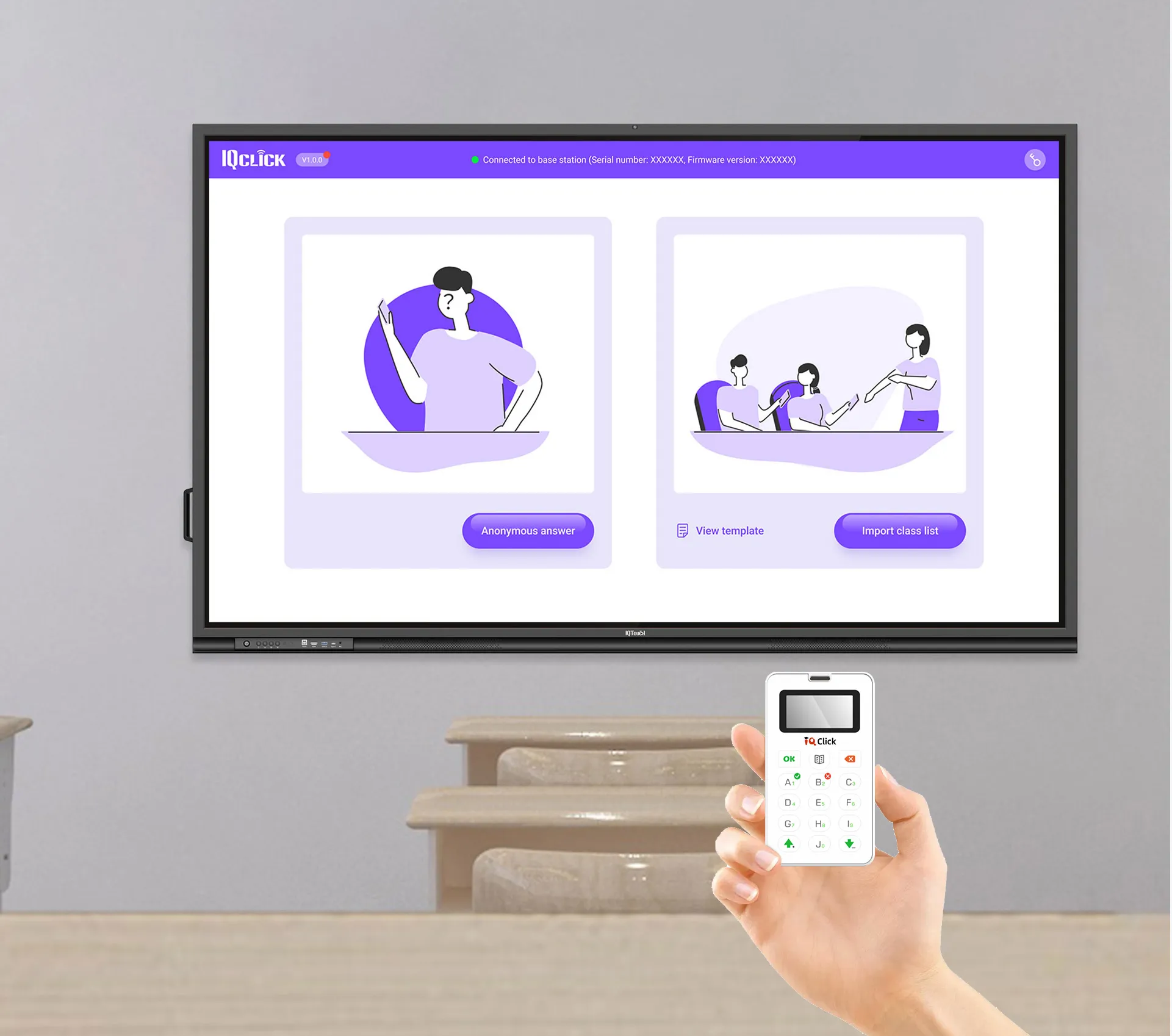
IQClick effortlessly adapts to different needs, providing a seamless experience for users on both Windows with IQClass One Software and Android via the exclusive IQClick APP. This adaptability ensures a convenient and personalized experience, perfect for presenters of all kinds.
Where Engagement Finds its Voice Always a clear screen
Every individual becomes an active contributor, transcending boundaries between speakers and participants, whether they’re students in a classroom or participants in any setting. IQClick facilitates dialogue, fostering connections that enrich the experience, be it in a lecture hall or a collaborative event.
Energizing Interactive Responses
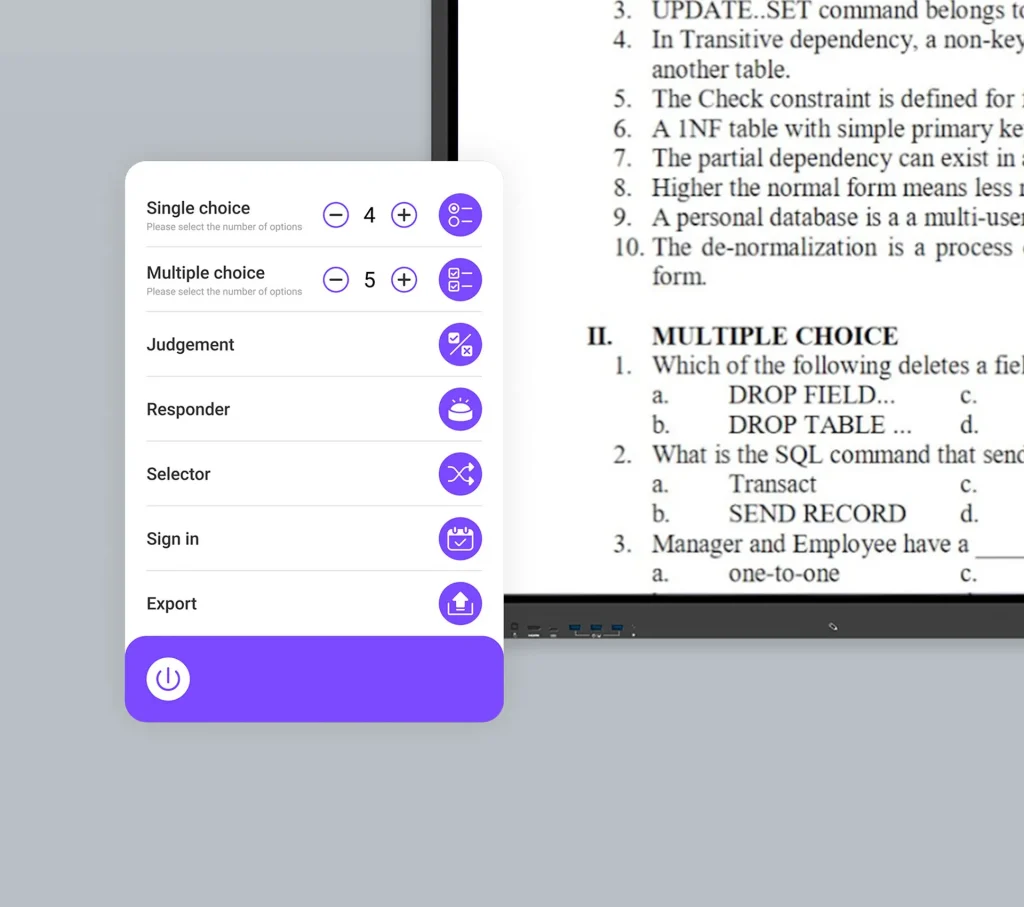
IQClick fuels classroom engagement with up to 10 response options and diverse question types, including single choice, multiple choice and true or false. It’s your go-to tool for quizzes, attendance, lively discussions and rapid interactions.
Simplified Setup, Instant Start
Ditch the complexities of traditional online systems, IQClick simplifies it all, requiring just one responder set and a computer, no Internet needed. In the blink of an eye, you’re all set to dive into the action with IQClick making it a hassle-free, enthusiastic start to your interactive journey.
Instant Assessment, Streamlined Progress Tracking
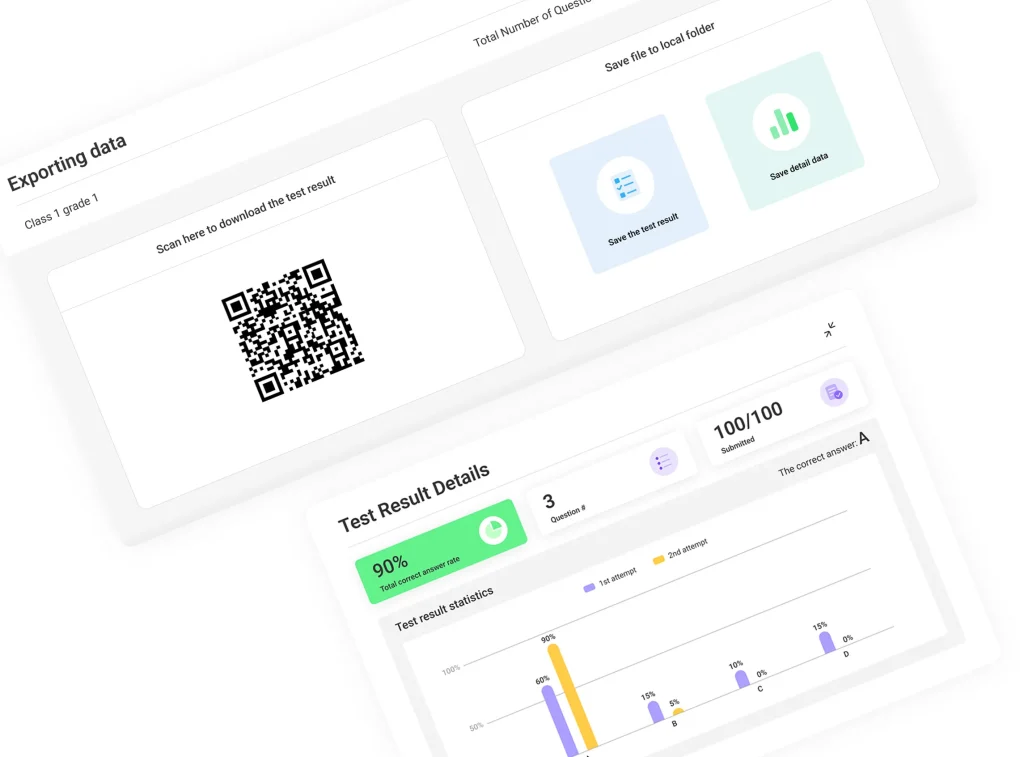
Whether in a classroom or any interactive setting, IQClick provides instant feedback. Results are displayed and analyzed, rendering data visually for teachers and presenters to seamlessly track progress, optimizing time and ensuring better understanding among participants.
Transmit Widely and Stably
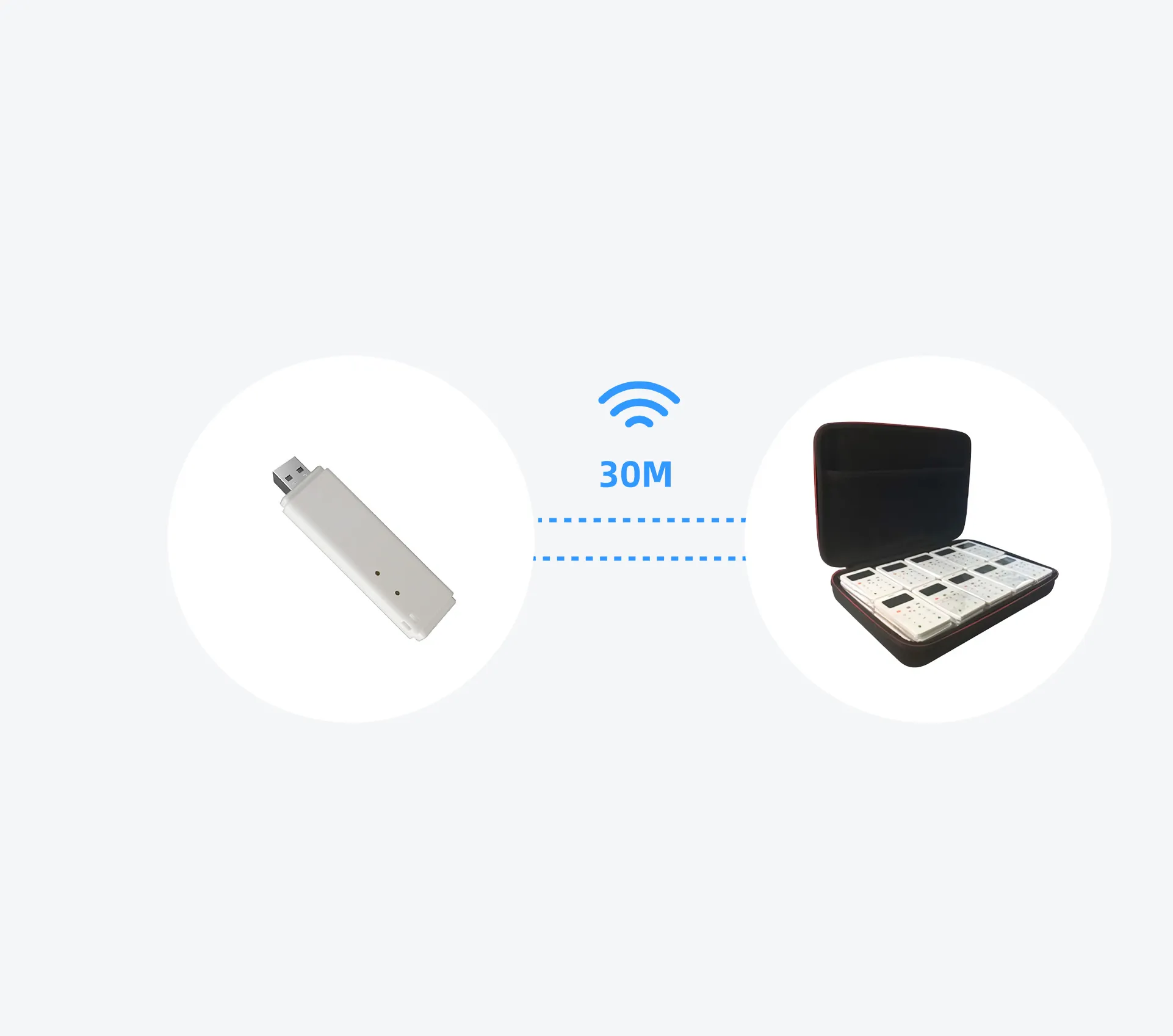
IQClick employs 2.4G RF technology, two-way data verification, and multi-level error correction to ensure stable transmission and effective anti-interference. lt’s capable of collecting up to 100 responses within 30 meters rapidly.
How Does it Work?
2.4Ghz RF Technology
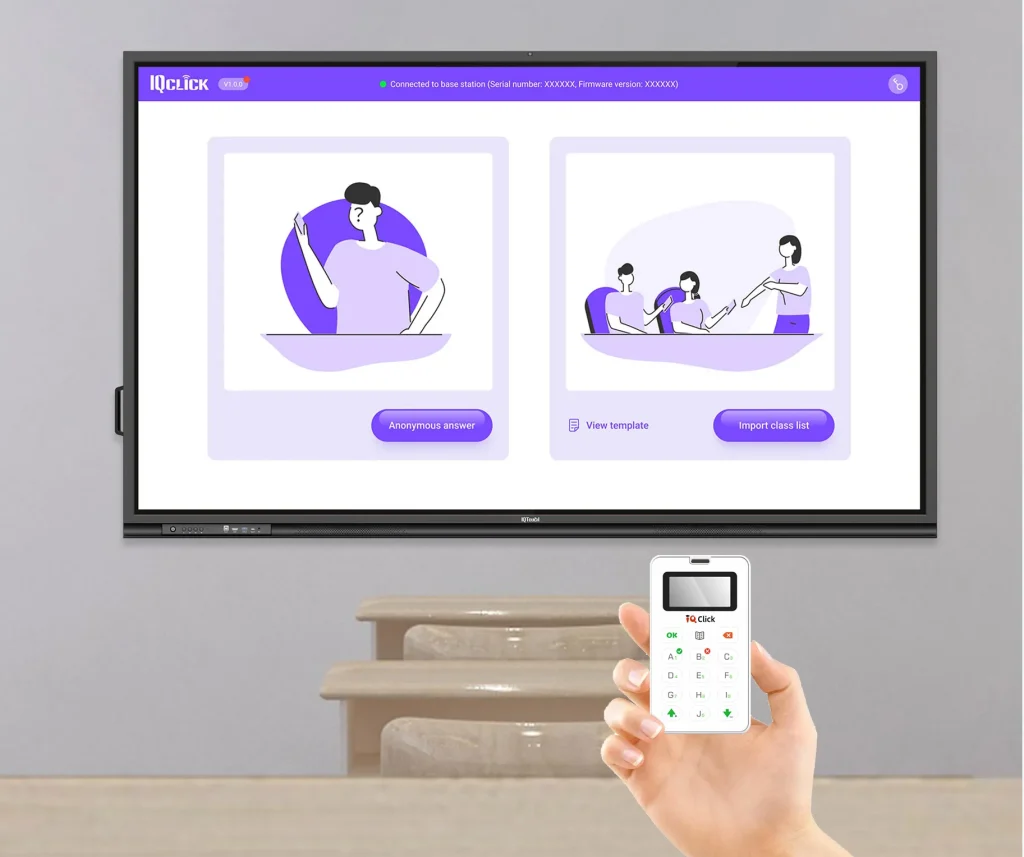
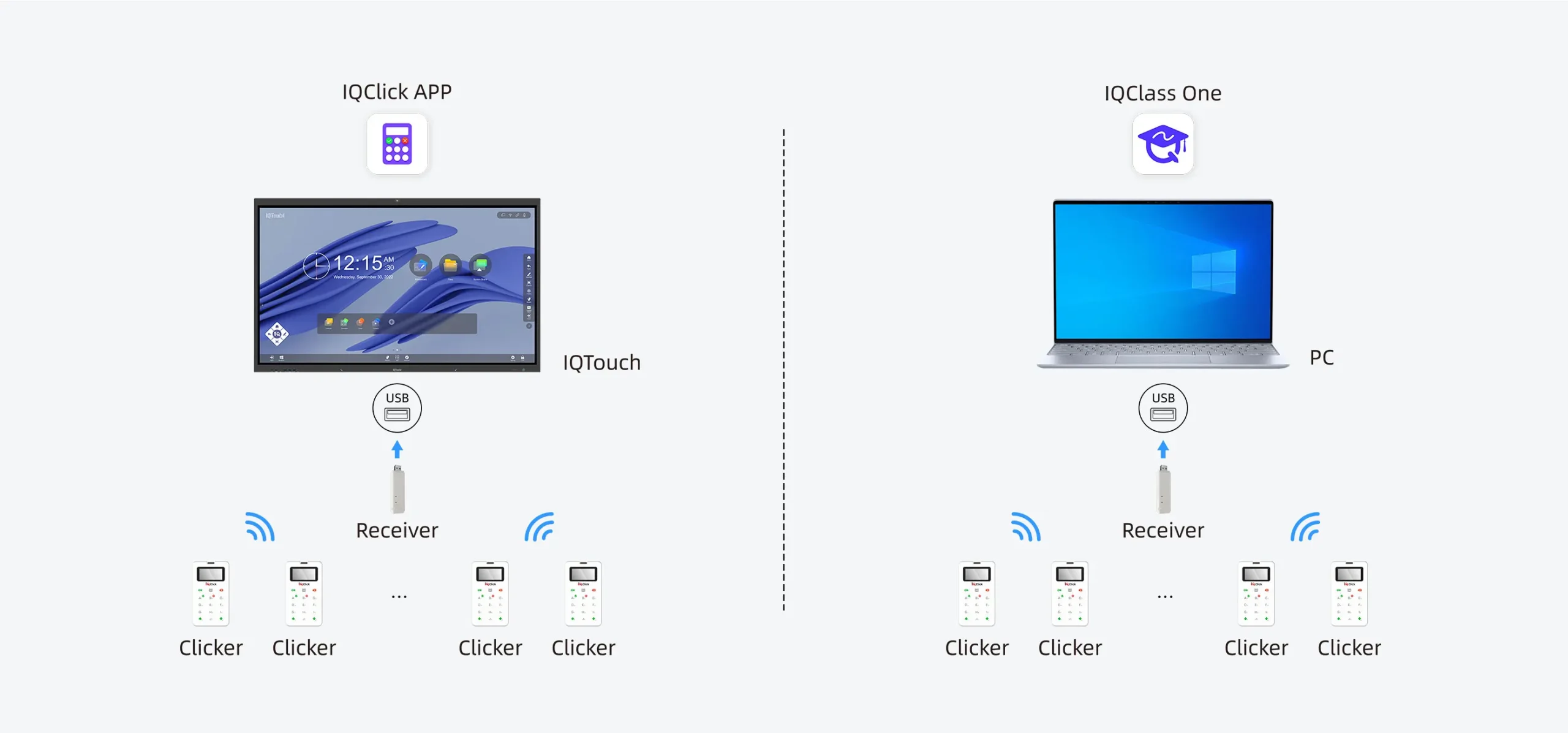
Simply connect the receiver to PC with Windows System or Android-based IFP. Teachers can pose questions using the IQClick APP or IQClass One software and students can respond with the clicker.
Application Scenario
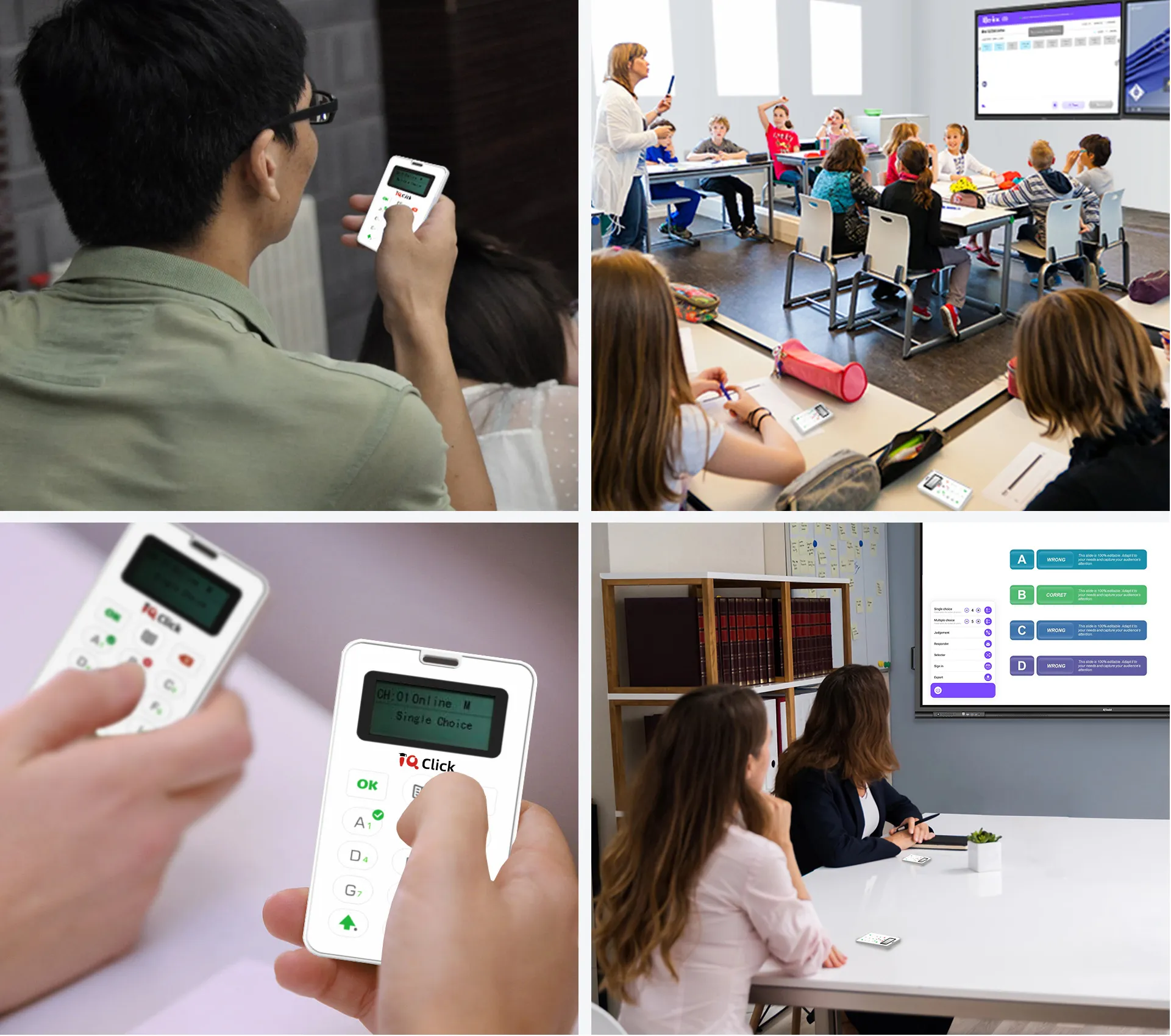
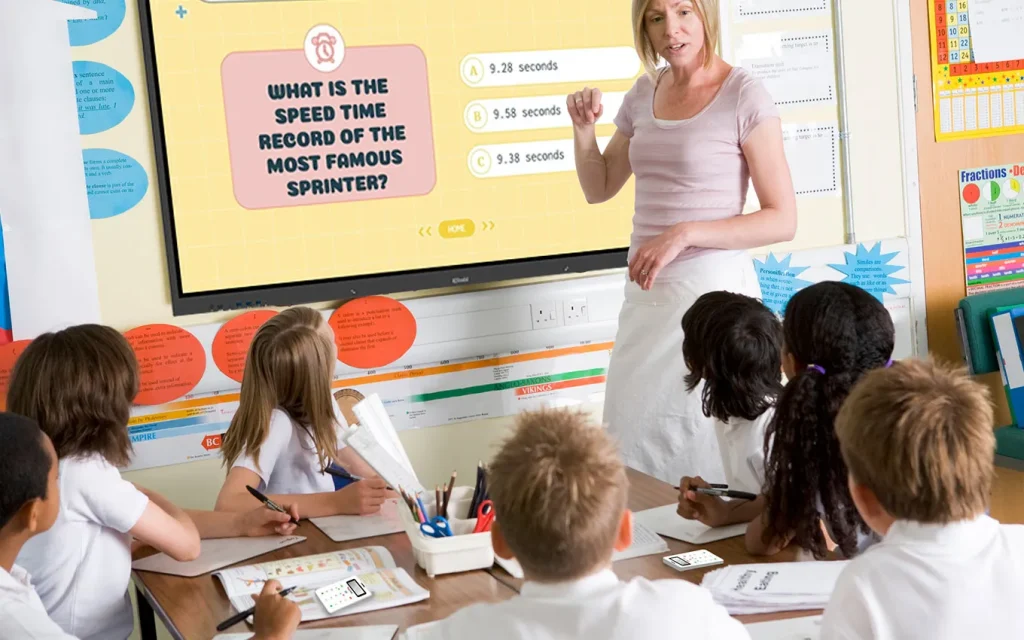
Classroom
IQClick revolutionizes classroom participation, allowing students to answer questions swiftly, enhancing engagement and facilitating instant assessments.
Training Institution
In training organizations, IQClick accelerates interactive learning, enabling seamless audience responses and enabling trainers to gauge understanding on the spot.
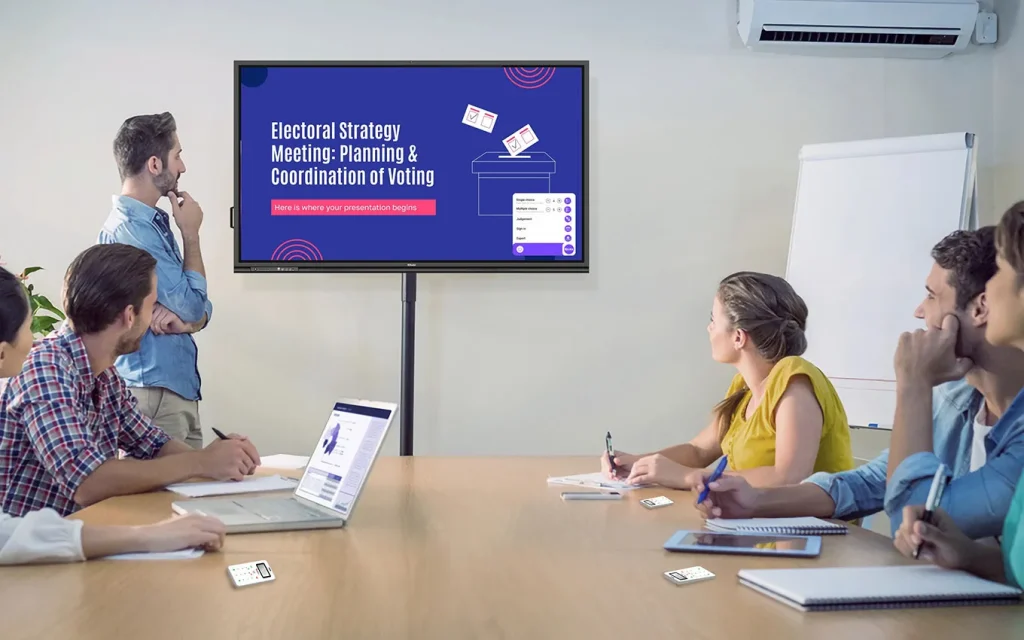
Corporate
lQClick elevates corporate training sessions, fostering active participation, collecting real-time feedback and optimizing employee learning experiences.
Government Department
Government departments employ lQClick for efficient audience engage ment, enabling instant responses and facilitating data collection for informed decision-making.