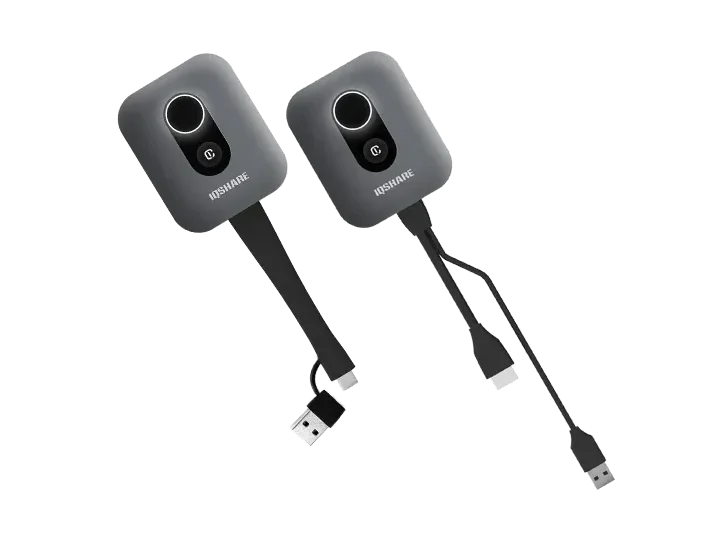
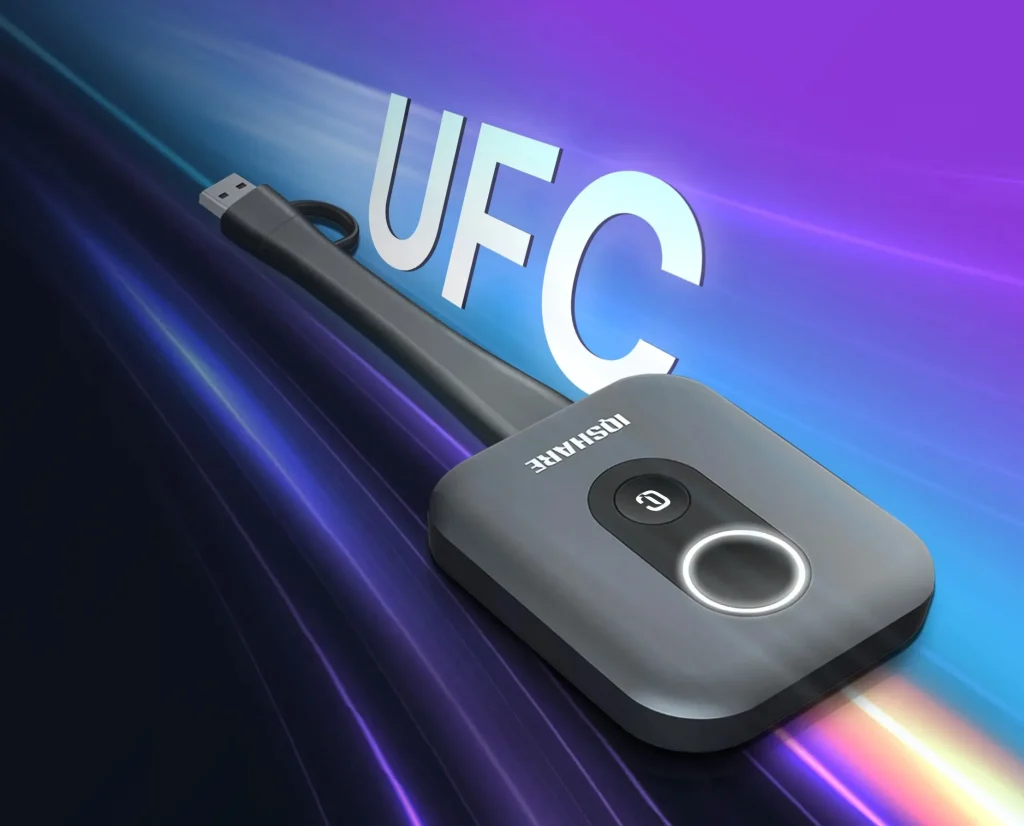
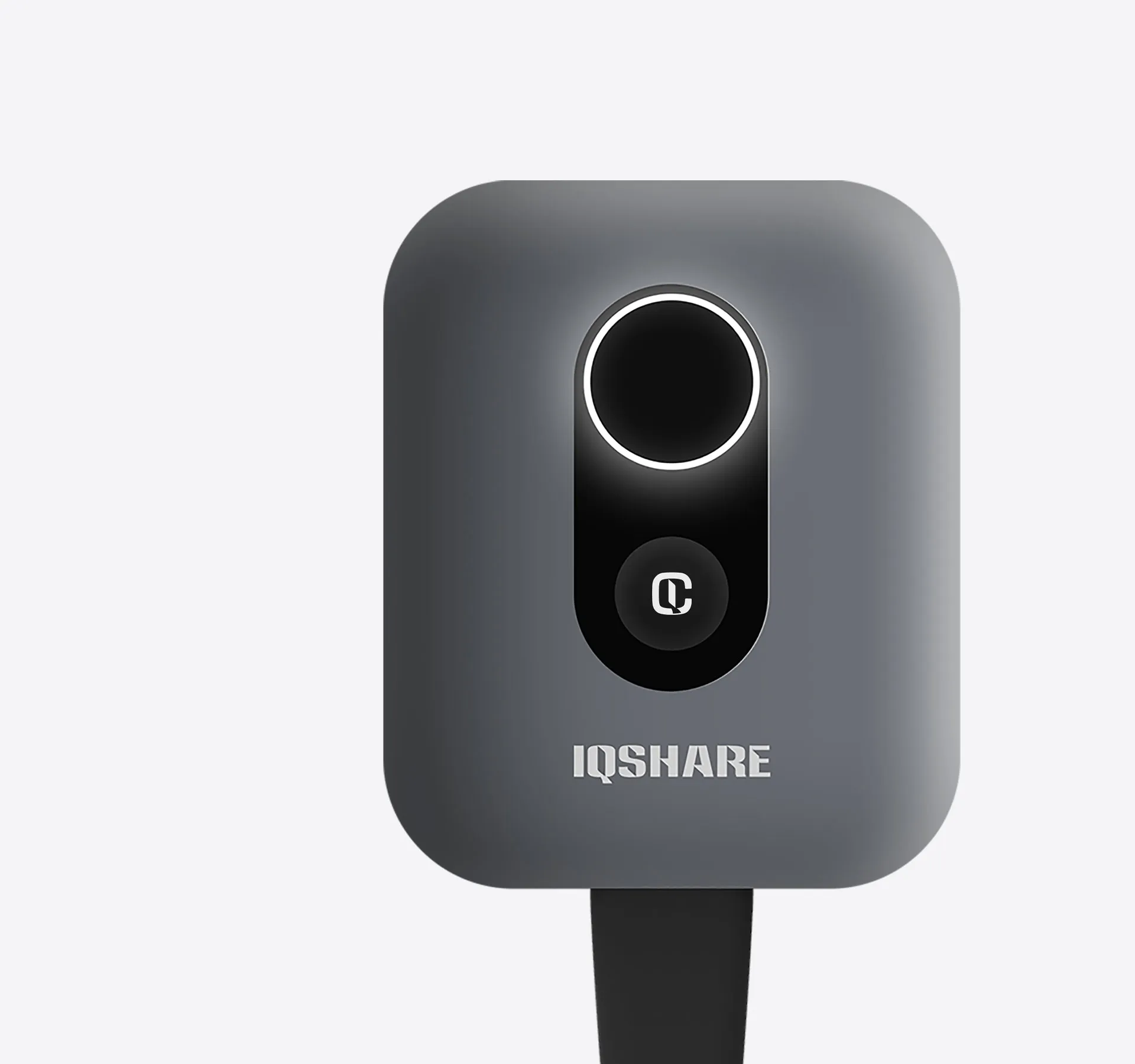
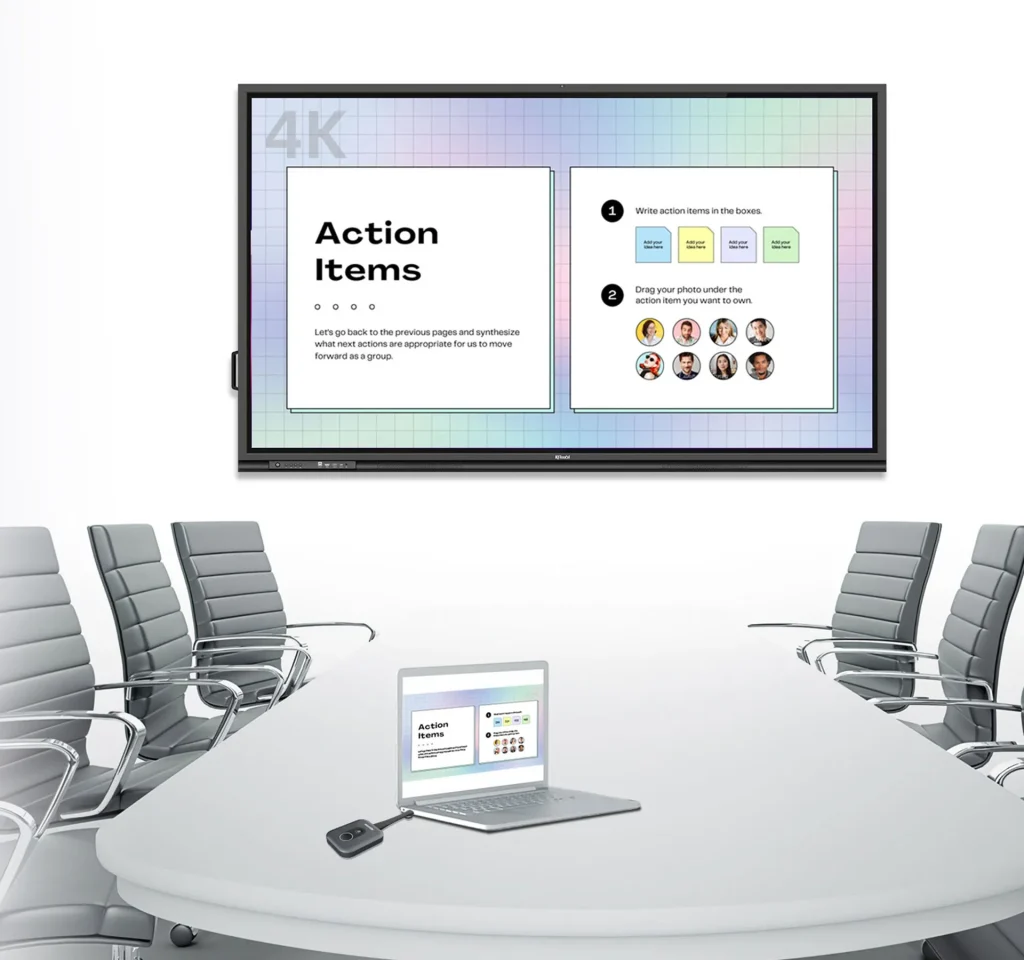
As a Click-to-Share button for wireless presentation, IQShare Button Gen2 realizes ultra fast casting(UFC) screen mirroring of your personal device to the meeting room’s IQTouch with extended BYOM feature.
UFC (Ultra fast casting) technology
Two buttons with Customized button
Plug & play
Automatic pairing
APP Free
Touchback
4K wireless casting
Wireless BYOM
Faster than ever with Wi-Fi 6
IQShare Button Gen2 is based on Wifi6 technology, which enables UFC (Ultra fast casting) to achieve second startup second connection, even faster than wired direct connection, elevating the casting experience to a new height. Significantly accelerate the efficiency of conference presentation and ensure stable and smooth presentation performance.
No App, no hassle
No need to install any APP, just one click, IQShare Button Gen2 can realize APP casting and reverse view screen content. With multiple wireless receiving devices in a conference room, the IQShare Button Gen2 also supports wireless selection of receiving devices for greater ease of pairing.
One stone, two birds
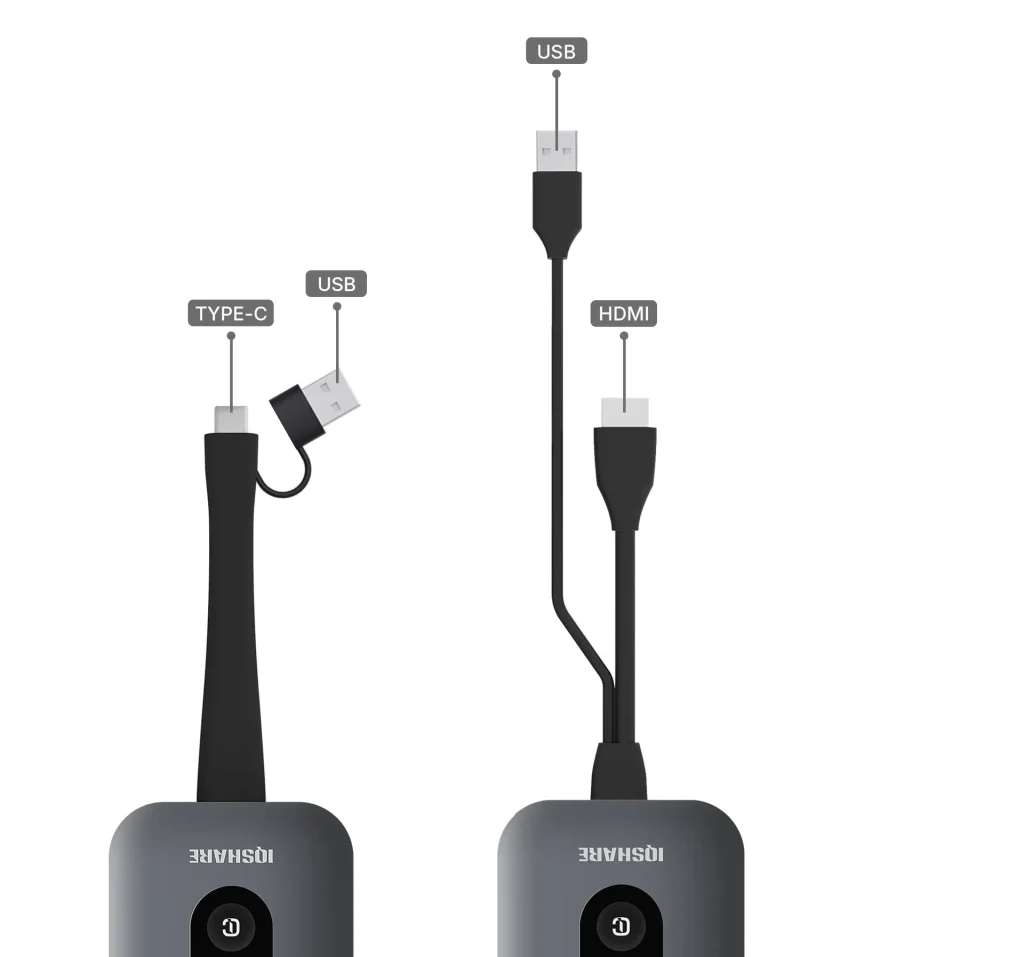
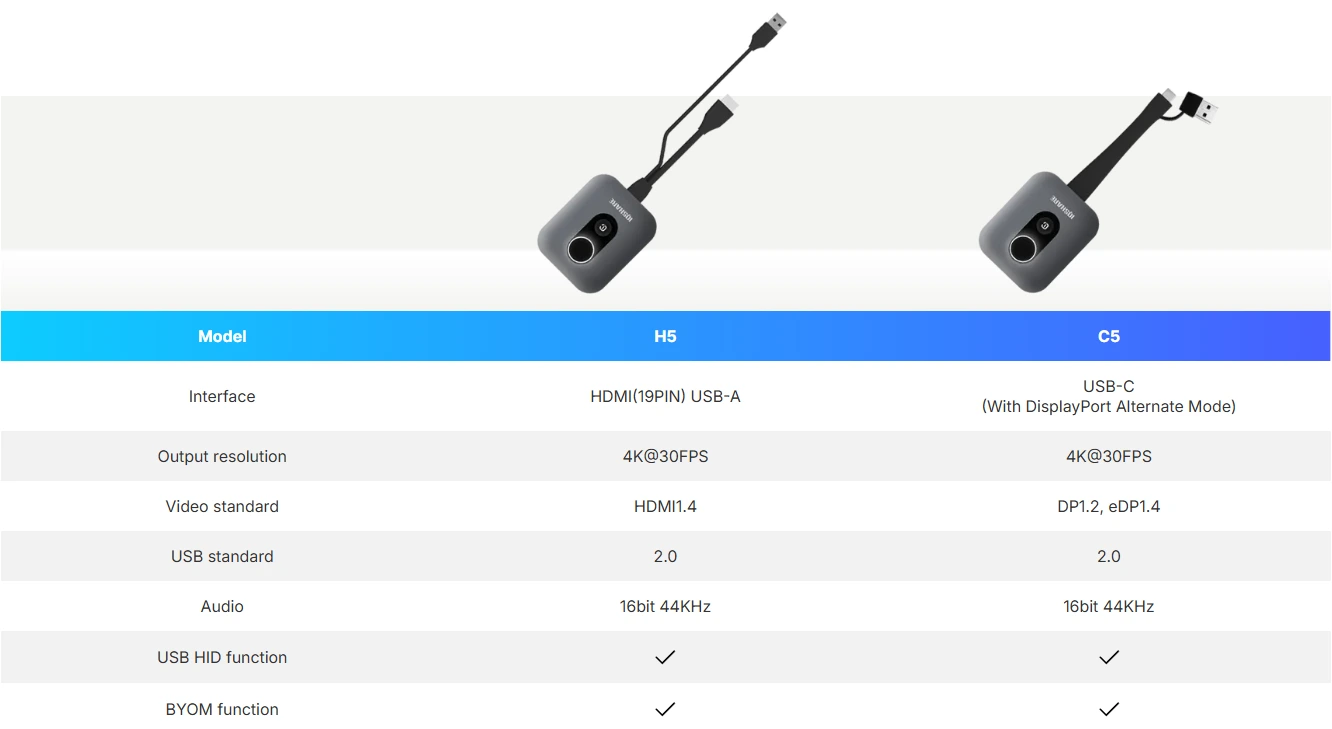
The IQShare Button Gen2 includes both HDMI (H5) and Type-C (C5) ports for crystal clear, smooth data transfer and BYOM functionality. Besides, C5 dongle with its ergonomic anti-loss design, can be used as both Type-C and USB dongle. Adaptable to a wide range of laptop types.
Dual-Button innovation
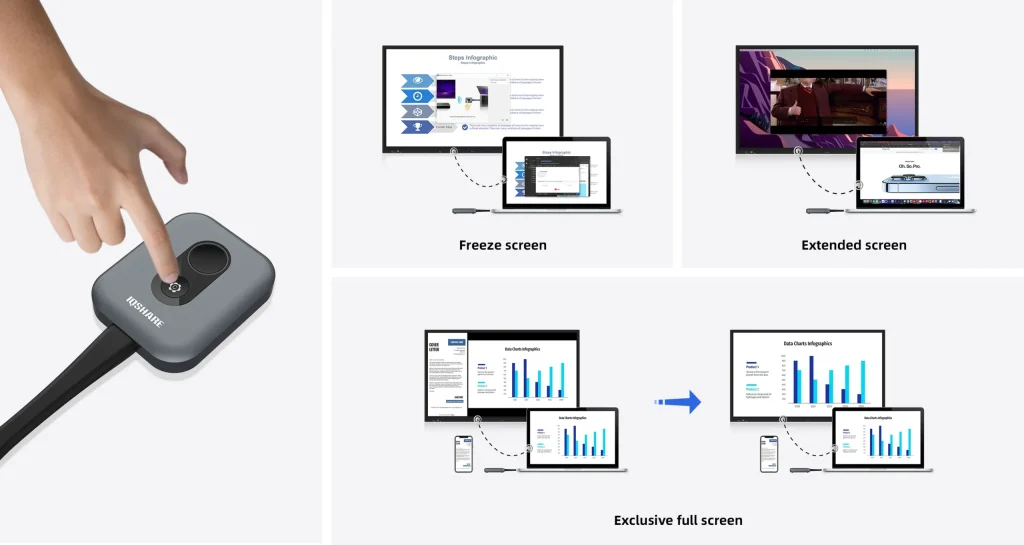
Embrace boundless possibilities with our dual-button innovation. One button seamlessly projects your content wirelessly, while the other opens a world of customization like screen freeze, screen expansion, screen exclusivity and shortcut key, putting you in full control of your presentations.
Get in on the extra button
The customized button is a fast track to your favorite features after screen sharing. By default, it is set to freeze the screen. You can choose more actions in the setting to exclusive full screen, extended screen,mute and shortcut.
Easy pairing
Seamless plug & play | No software needed
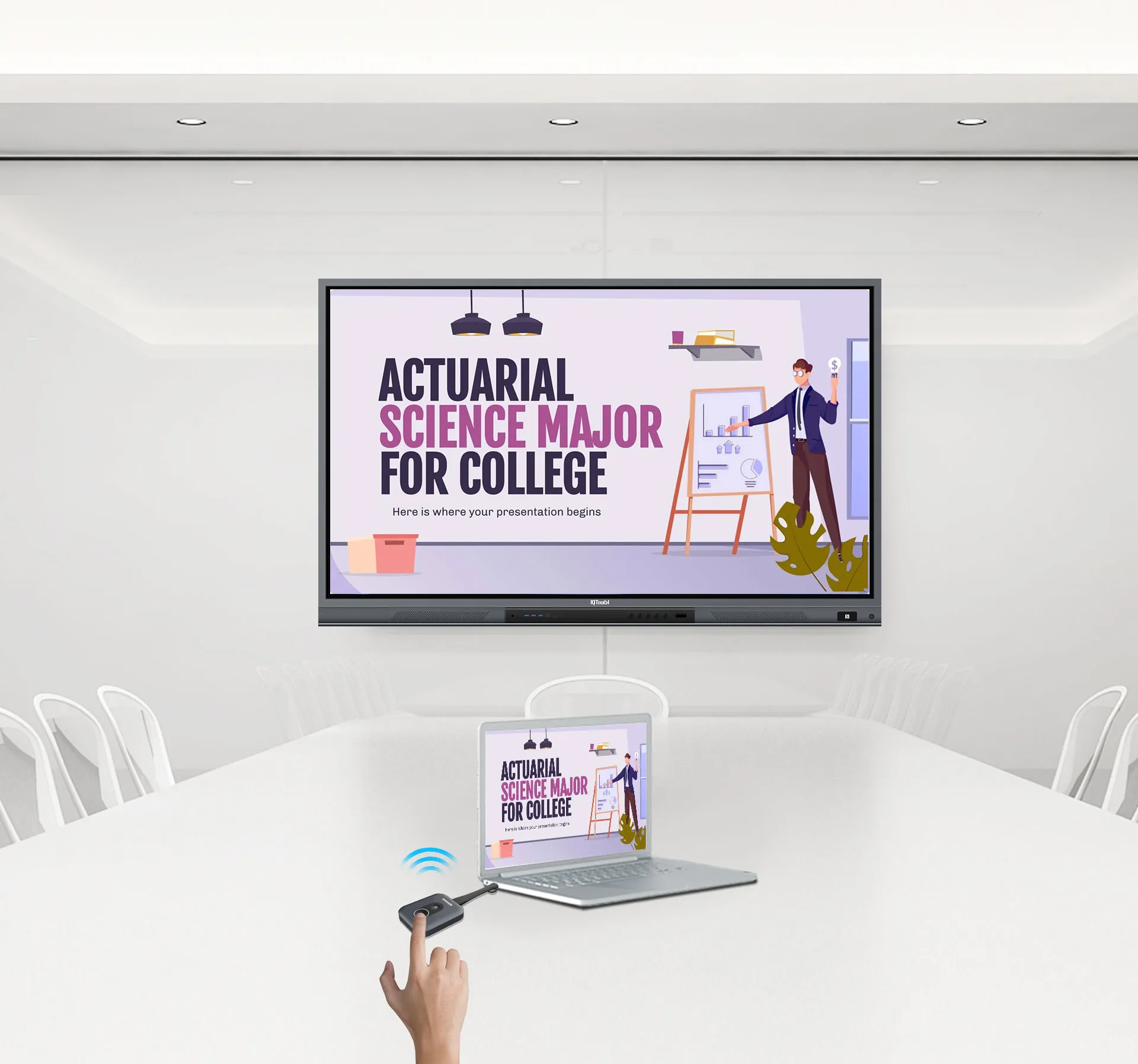
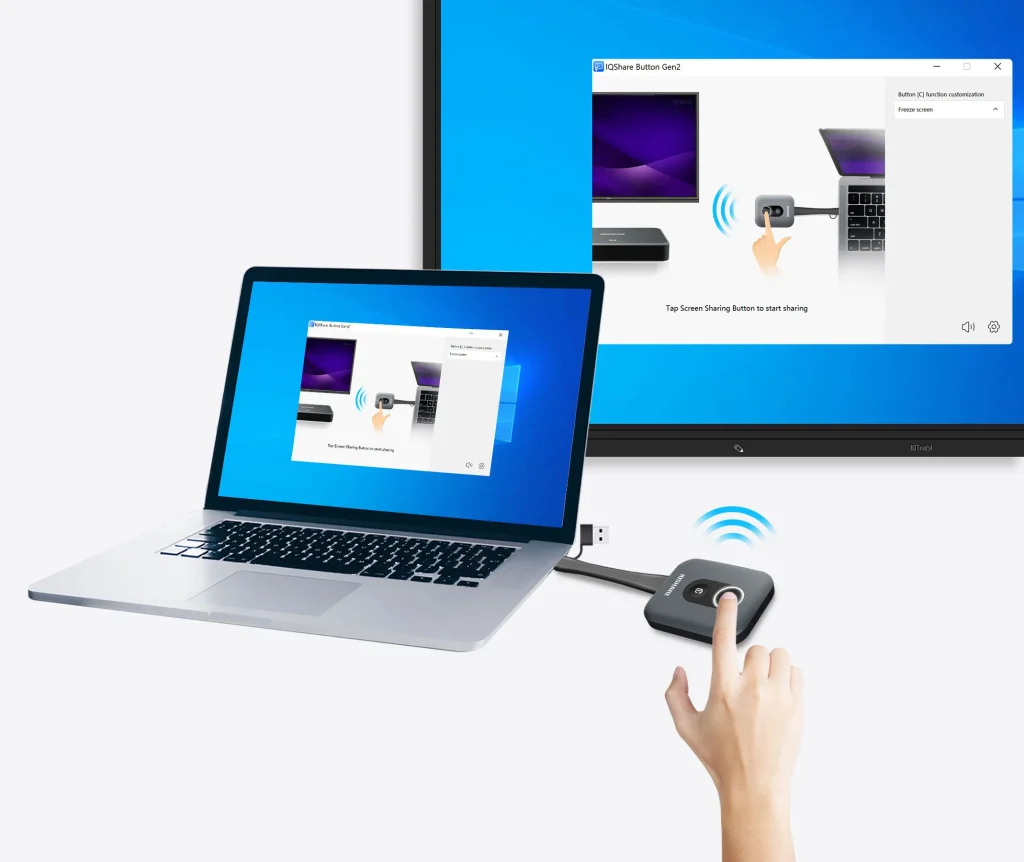
This wireless display adapter offers a plug & play experience – just plug it into your laptop, press the button and start screen sharing instantly. No installations, no fuss.
Cross-platform compatibility
OS independent | Cross-Platform versatility
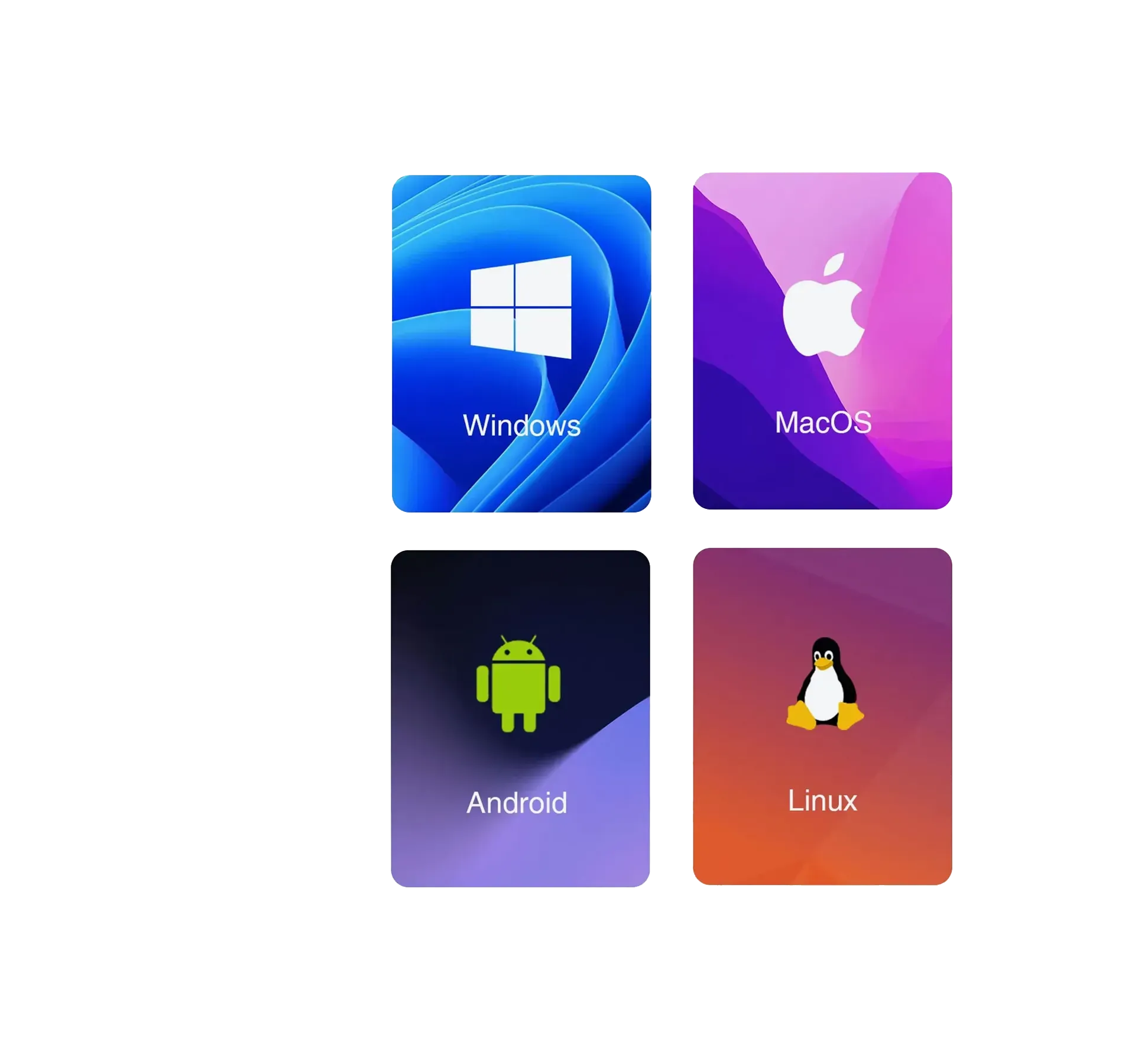
No matter what laptop you’re using, lQShare Button Gen2 is compatible with all mainstream operating systems including windows, macOS, ChromeOS, Android and Linux.
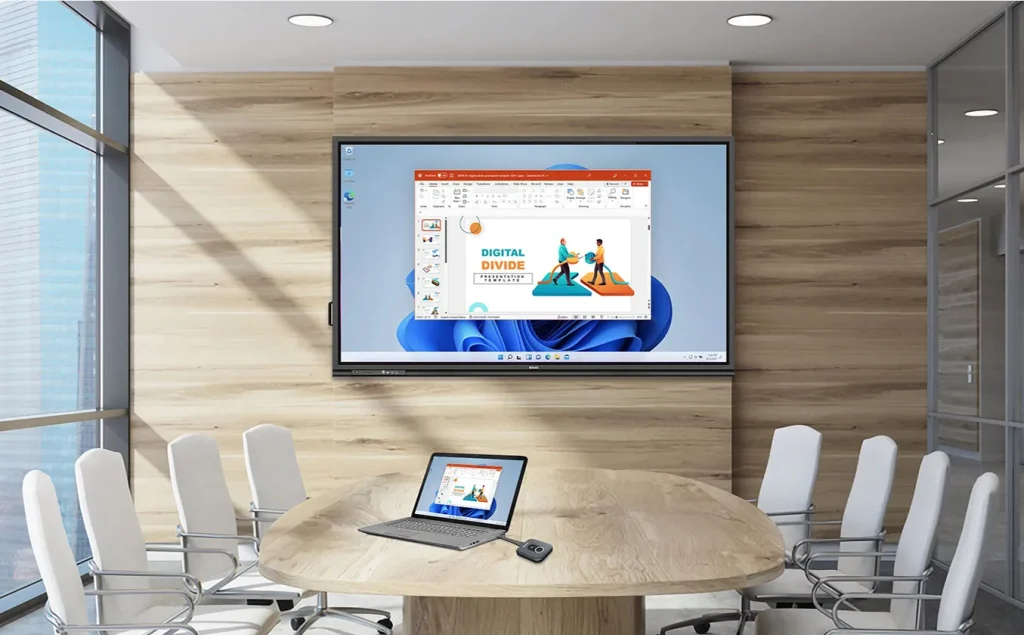
One click to share wirelessly
Cable-free | Two-way touch control
One click and share the screen content of your laptop instantly, IQShare Button Gen2 with wireless presentation system frees you from cables and adapters. It supports touch control from both your personal screen and IQTouch, which brings the greatest convenience to the presenters.
4K screen mirror
Enjoy every detail of your presentation with up to 4K UHD screen sharing. IQShare button Gen2 ensures crystal clear image and smooth video transmission from your personal device to the room display efforlessly.
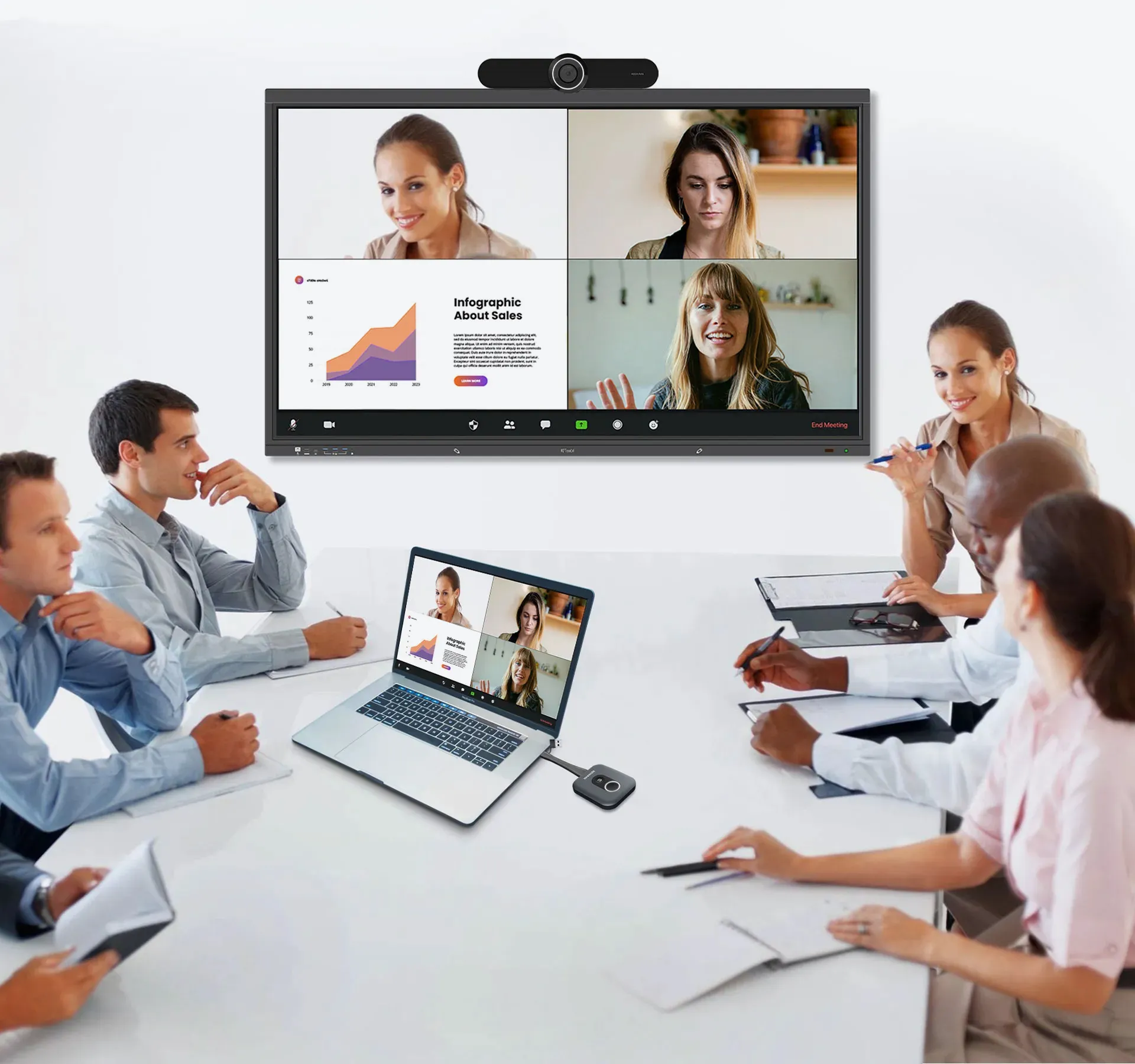
Bring your own meeting
BYOM, as a natural extension of BYOD, allows wirelessly accessing the camera of devices like IQTouch, AHY500 to have a video conference with your preferred UC platform. In addition, BYOM camera control is also supported.
Flexible content sharing
Sharing can be very flexible, whether it’s screen sharing, program window sharing or file sharing. Share any files you want. Select the sharing mode as the entire screen or preferred content to ensure privacy. Audio, video, photos or documents can be presented to enrich your classroom or meeting interaction.
Guest-friendly sharing
For guests who don’t have access to the company network, they can still present or share wirelessly with their laptops in your office through IQShare Button Gen2. Network connectivity is not a must for temporary users.
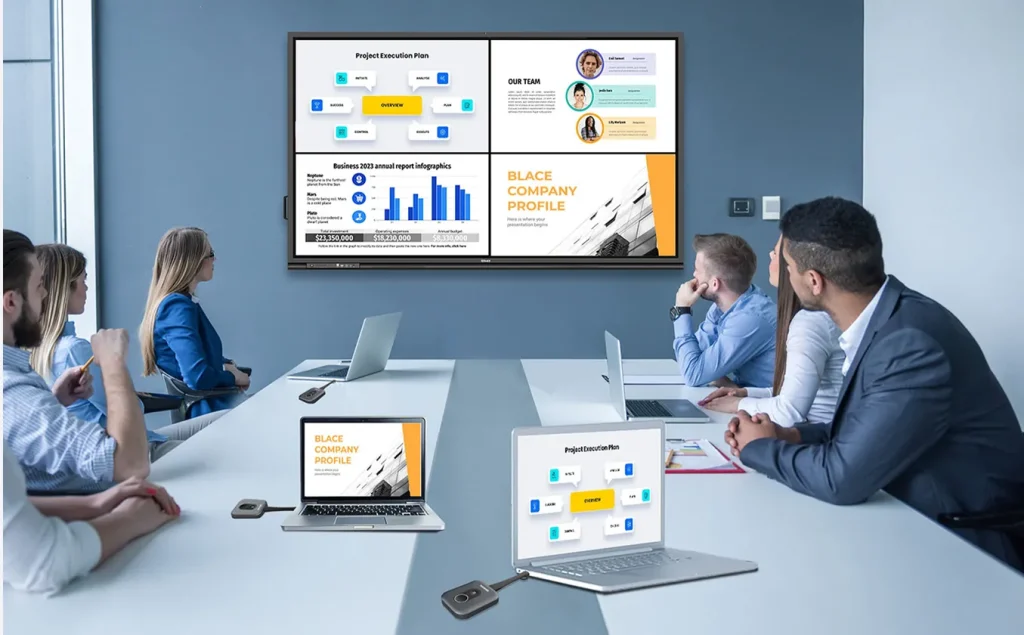
Multiple ideas presenting
Multiple Click-to-Share buttons can be connected, presenting various ideas by split screens simultaneously and stimulate brainstorming on one centered display.
Secure & stable transmission
By adopting the Advanced Encryption Standard (AES) of security and possessing interference resistance in complex network environments, thus enhancing the enduring stability of screen sharing, it prevents data leakage during the ideas sharing and empowers you a secure and smooth presentation without being disrupted.